
Client portals and dashboards
Client portal and dashboard development
Secure portals and dashboards built around your data, your clients and your brand, not a template.
Client portals and dashboards
Who this is for
Off the shelf client portal software gets you a login page and a file list. I build portals and dashboards around how your clients and your team actually work: their data, their approvals, their reports, their payments, under your brand.
Businesses that send clients spreadsheets, PDFs and email threads, and want one secure place instead.
Service firms that need a branded, secure space for client documents, approvals and status
Nonprofits and networks that report to funders and partners across many organisations
Operators who need an internal dashboard that pulls several systems into one screen
Teams that tried a portal product and hit its limits on branding, data or workflow
What gets built
Secure client logins
Per-client accounts, roles, invitations, password and single sign-on options.
Dashboards that answer questions
KPIs, charts, maps and tables shaped for each audience, from a funder to a field team.
Documents, forms and approvals
Uploads, intake forms, sign offs and status tracking without the email thread.
Reports and exports
Scheduled reports, PDF and CSV exports and funder-ready summaries.
Payments and billing
Stripe invoices, subscriptions, capital calls and statements inside the portal.
Integrations
CRM, accounting, email, maps and AI assistants connected with proper error handling.
Portals and dashboards I have shipped
How an engagement runs
01
Scope workshop
A one to two hour session to map users, data and the first release. You get a written scope with the price and the timeline.
02
Design in the open
Clickable designs of the core flows within the first two weeks, reviewed with the people who will use them.
03
Build in releases
Working software every one to two weeks on a staging URL, with your feedback folded into the next release.
04
Launch and hand over
Production deployment, documentation, training and a support window. You own the code and the accounts.
Questions I get asked
Why build a custom portal instead of buying one?
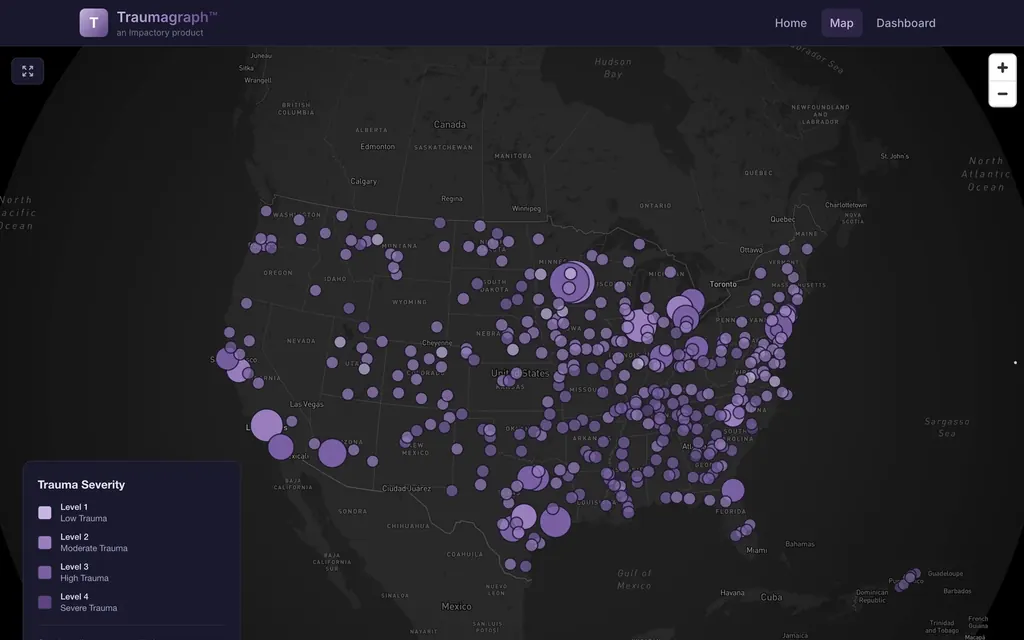
Buy one when a login and a file list is enough. Build when the portal has to carry your data model, your workflow and your brand, or when it is the product your clients pay for. The Traumagraph platform gives every nonprofit its own dashboard, map and reports on one codebase; no portal product does that.
Is a custom client portal secure?
Yes, when it is designed for it: authentication through Firebase or Supabase, role based access, encrypted storage, audit logs and separate environments. I document all of it for your review.
What does a client portal cost to build?
A single-audience portal with logins, documents and a dashboard is a scoped fixed price project of a few weeks. Multi-tenant portals with reporting and payments take longer and cost more. You get a written fixed price after the scope workshop.
Can it connect to the tools we already use?
Usually. CRMs, accounting, email platforms, Mapbox, Stripe and most SaaS tools have APIs. I wire them in and handle the failure cases.
Can you redesign a dashboard we already have?
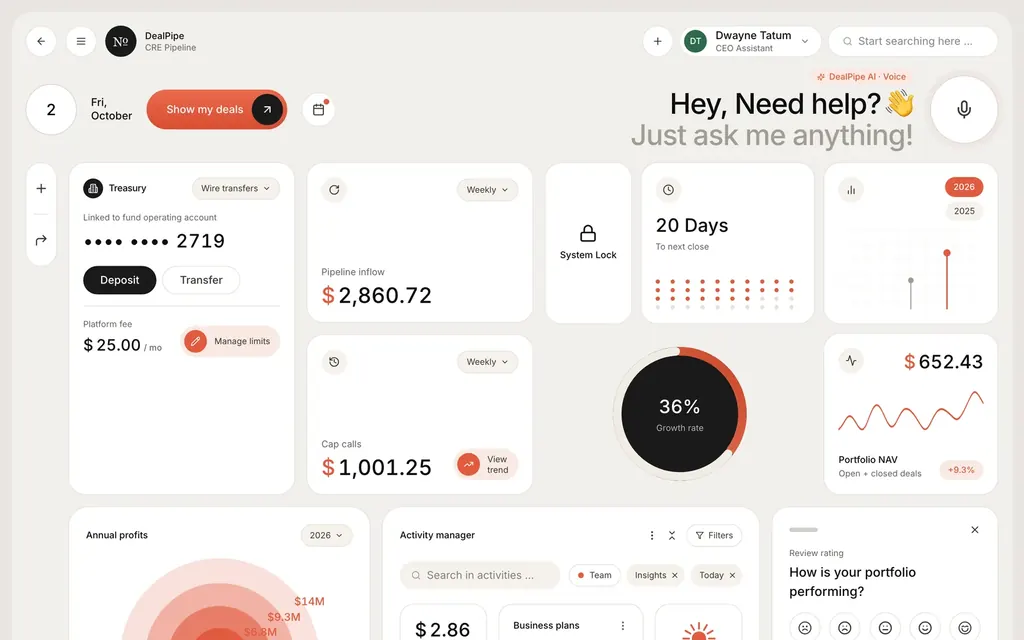
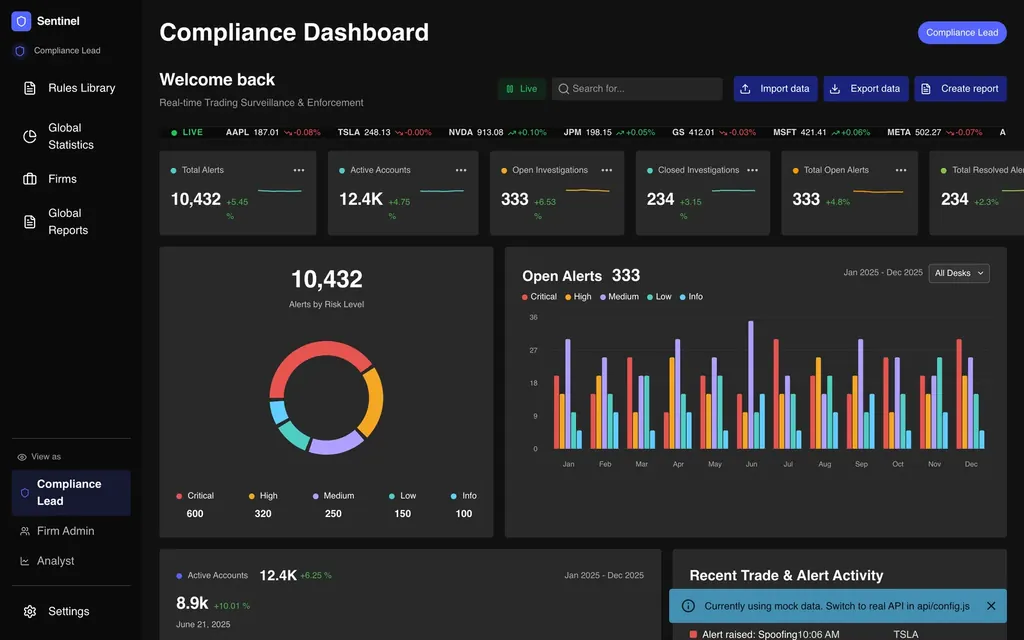
Yes. Dashboard redesign starts with the questions each user is trying to answer, then the data, then the screens. The Sentinel compliance dashboard and the DealPipe treasury view are examples of dense data made readable.
Who owns the code?
You do. Repository, hosting accounts and documentation are handed over at launch.